¶ Add Property
¶ Overview
Add a property individually or upload a portfolio to track and manage assets.
¶ Steps
- Go to Properties.
- Click Create.
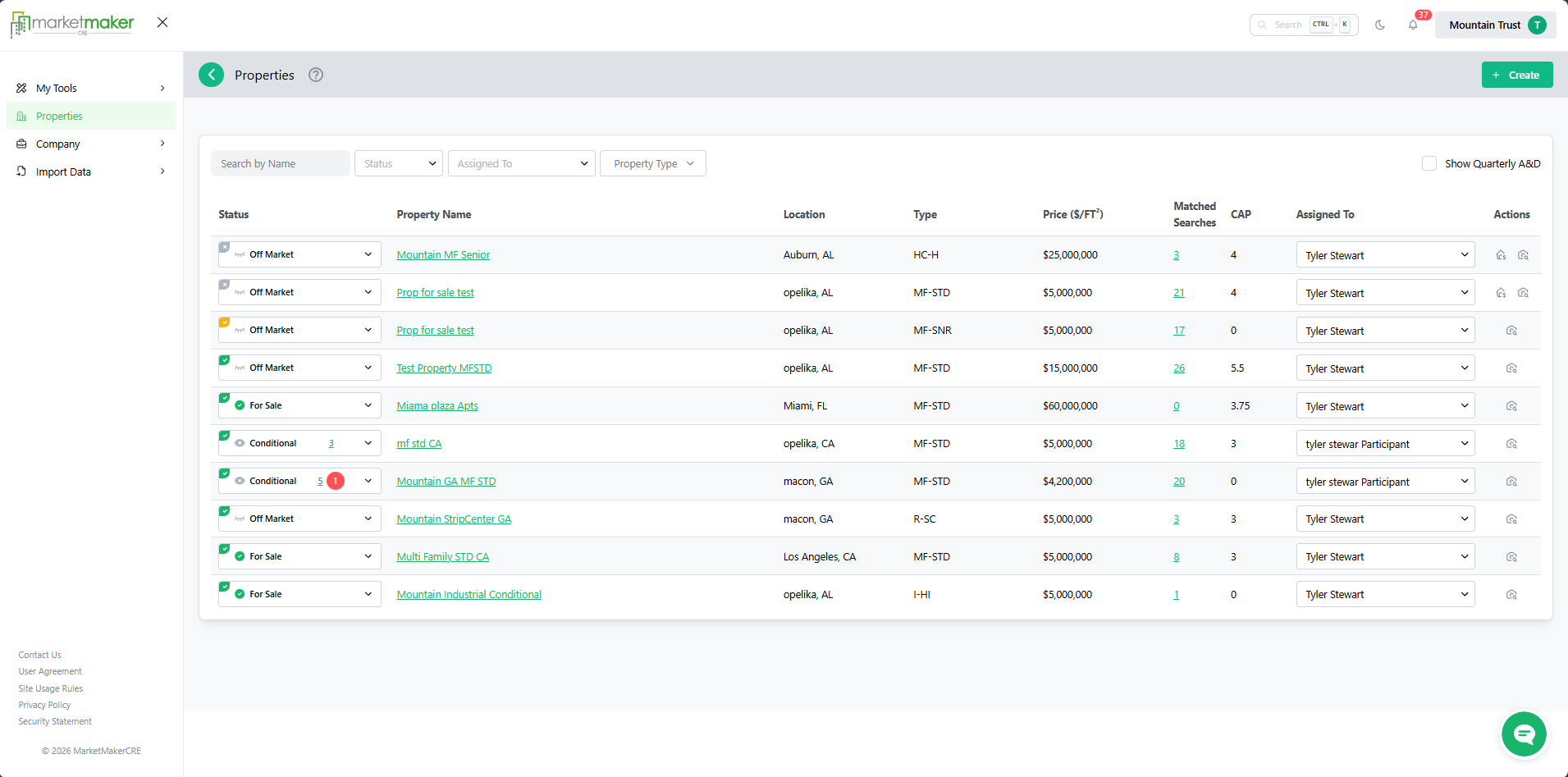
- Choose Individual Property or Portfolio Upload.
- Enter required property details.
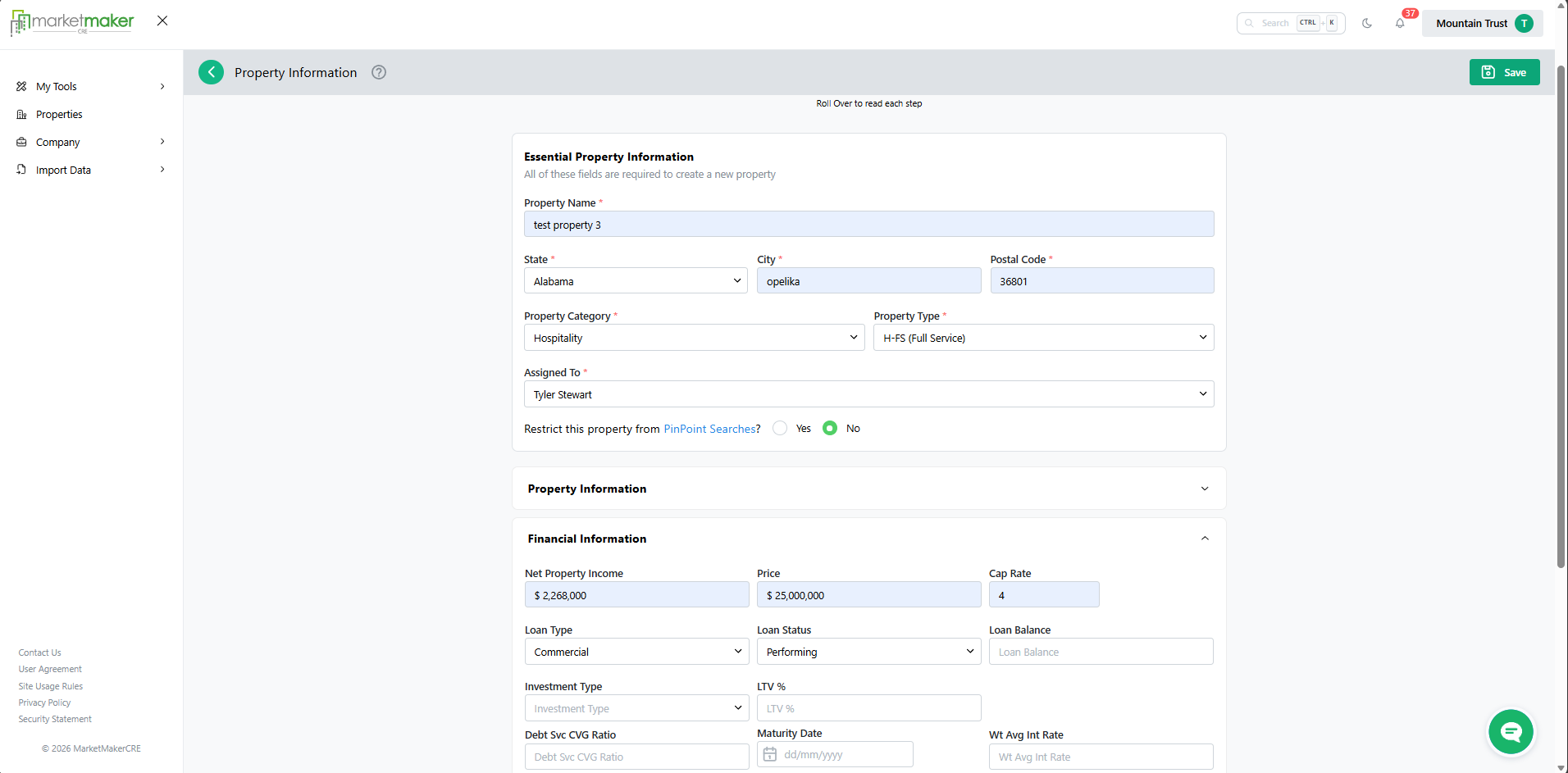
- Click Save.
¶ Result
- The property is added inside of the Hold box.
- Property Status can be changed to "For Sale" once approved for sale and is then available for search, assignment, and engagement .